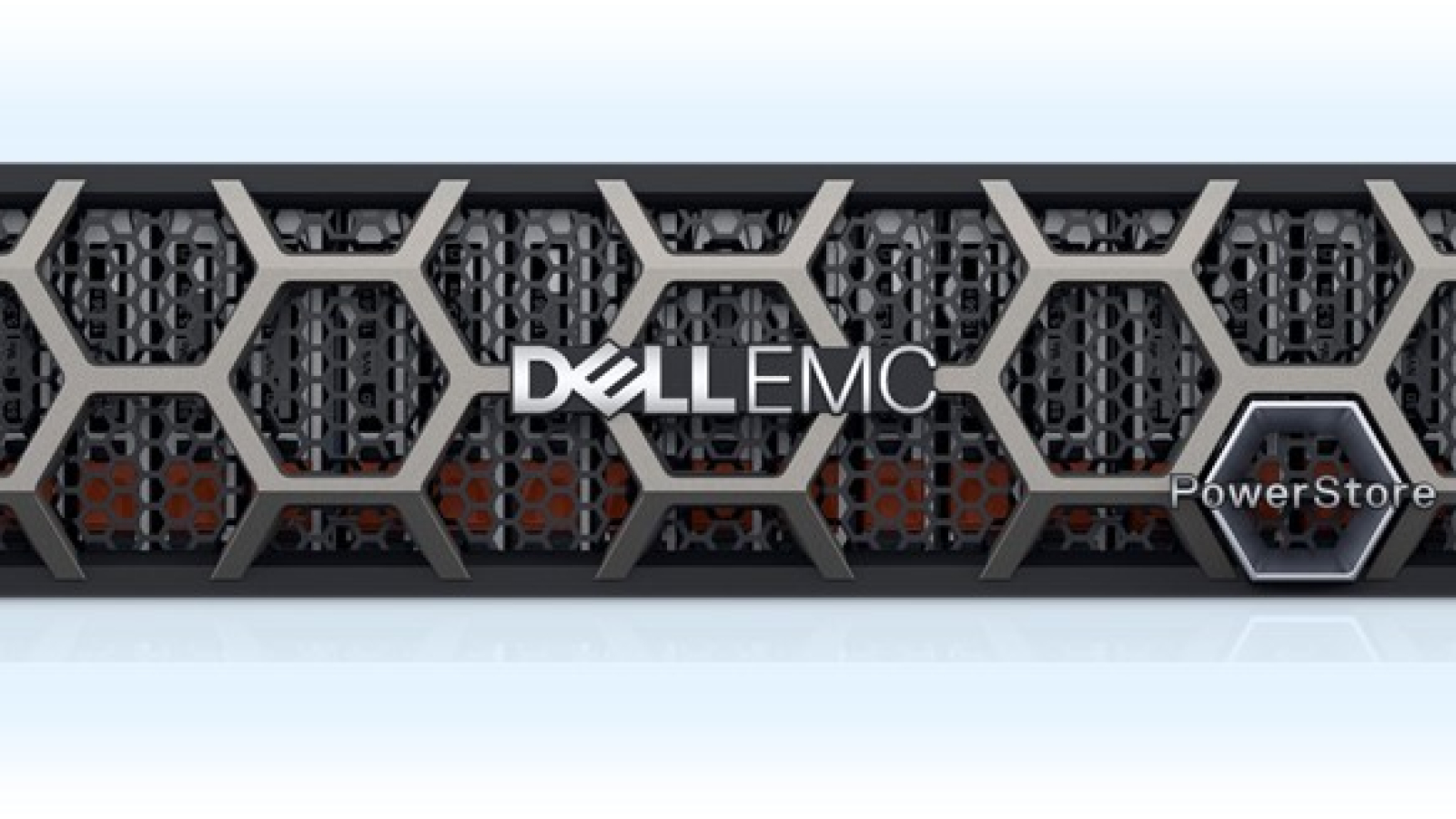
dell-powerstore

What You Need to Build a Hyper-V Cluster Using Dell Hardware (Practical Checklist + Reference Architecture)

The Baseline: Hyper-V cluster requirements (what Microsoft expects)

If you’re building a cluster that will host highly available VMs, your servers must meet Failover Clustering requirements and also support the Hyper-V role requirements.

Also: Microsoft recognizes multiple supported storage architecture patterns (SAN/NAS, S2D, hyperconverged, mixed) so you can choose what matches your resiliency and budget goals.


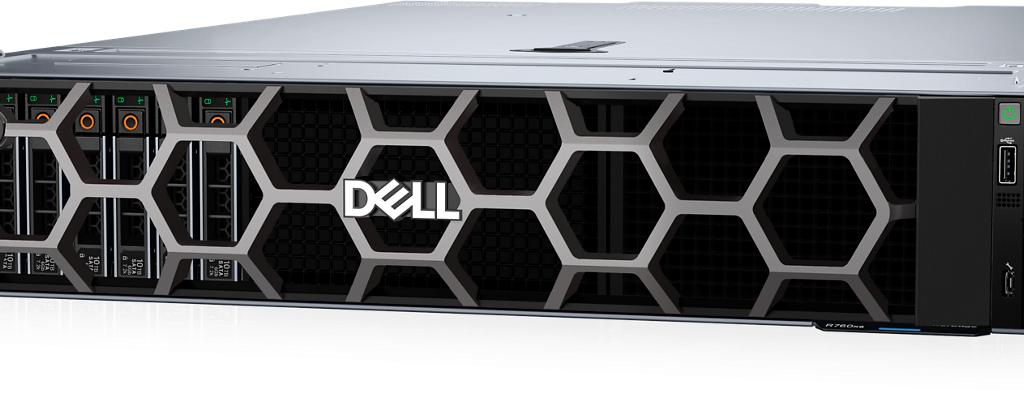
1) Servers (Dell PowerEdge hosts)
Minimum recommendations (real-world)

  • 2–6 hosts (3–4 is common for balanced HA + capacity)
  • Consistent CPU generation and core counts across nodes
  • Plenty of RAM headroom (clustered HA amplifies contention if you run “hot”)

Why “identical nodes” still matters
Dell’s Hyper-V guidance historically recommends identical hardware within a host cluster—even though Windows clustering doesn’t strictly require it. This reduces driver/firmware drift and improves stability.


2) Storage (choose one architecture)
You typically pick one of these:

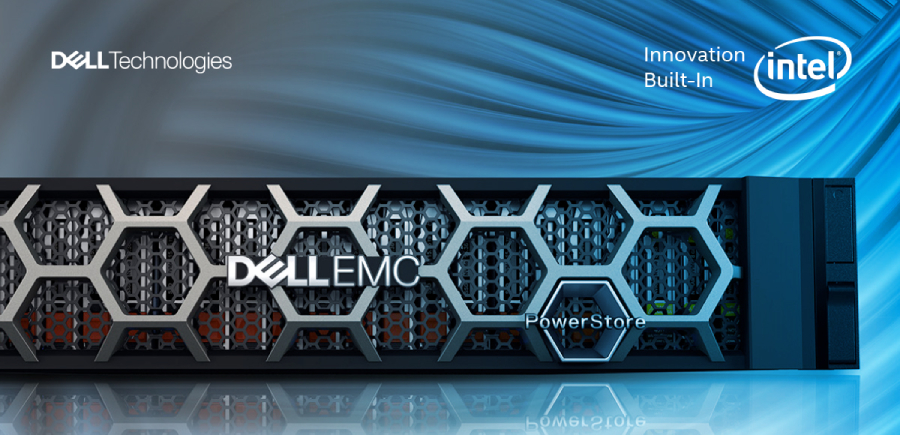
A) SAN/NAS shared storageDell PowerStore

  • Great for predictable performance and independent scaling
  • Often simplest operationally for teams who want compute/storage separation

B) Storage Spaces Direct (S2D)

  • Hyperconverged model
  • Requires careful hardware alignment and validation
  • Great when you want HCI-like scaling and local-disk performance

C) Mixed / specialized

  • Useful when combining older investments with new cluster nodes (must be validated carefully)

3) Networking (the #1 design lever for cluster performance)

Microsoft provides best-practice guidance for Hyper-V failover cluster networking—traffic isolation, QoS, and converged networking designs.

Typical “clean” network design includes:

  • Management network
  • VM network(s)
  • Live migration network
  • Cluster network/heartbeat
  • Storage network (if using SMB/iSCSI/NFS)

Converged networking is valid
Windows supports converged networking where multiple traffic types share NICs using vSwitch + QoS + VLAN isolation.

When RDMA is part of the plan
RDMA can improve SMB storage and live migration performance in the right designs; Dell provides Windows Server guidance for RDMA scenarios.


4) Operating system + management tooling

OS

  • Choose a Windows Server version supported for your environment and keep nodes consistent.

Management
Windows Admin Center is commonly recommended for managing Windows Server environments, but you may still rely on Hyper-V Manager, Failover Cluster Manager, SCVMM, and PowerShell for full coverage.


5) Cluster validation and acceptance (don’t skip)

Run Cluster Validation early and again after major changes. It helps detect:

  • Storage pathing issues
  • Network misconfigurations
  • Driver/firmware mismatches

A practical “what to buy/build” checklist (non-vendor-lock)

Compute

  • 2–6 Dell PowerEdge nodes
  • Consistent CPUs, RAM, NICs
  • Redundant PSUs, iDRAC management

Network

  • Redundant switches
  • Correct uplinks and VLAN design
  • NIC features aligned with Microsoft guidance (VMQ/QoS as appropriate)

Storage

  • Dell PowerStore SAN or S2D hardware plan per chosen architecture

Software

  • Windows Server licensing
  • Backup/DR tooling
  • Monitoring + patch orchestration

Abtech Services

Want a clean design that won’t require a redesign later? Abtech can deliver:

  • A Hyper-V cluster bill of materials
  • A validated network + storage architecture
  • Implementation + documentation + operational handoff
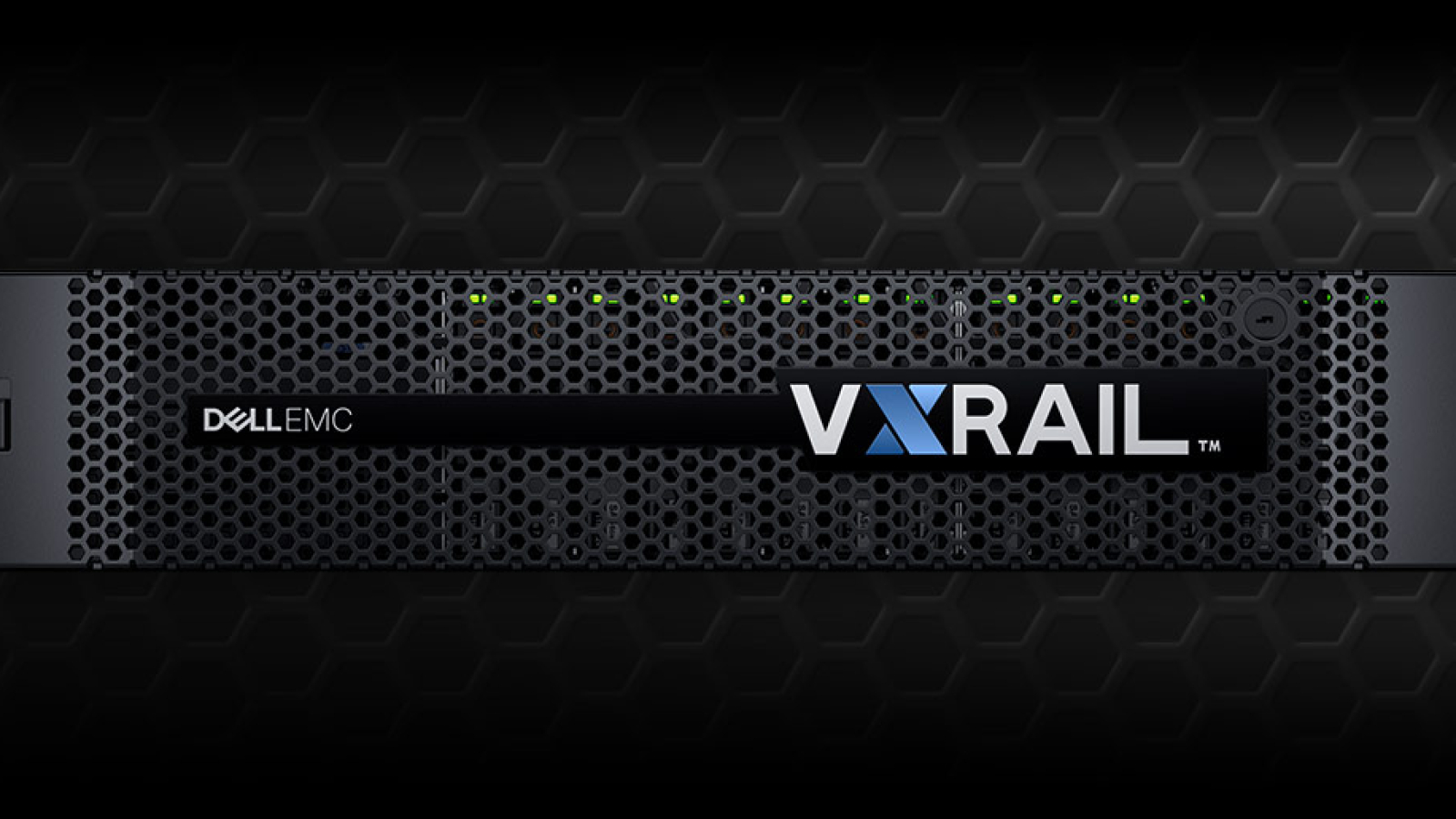
dellemc-ci-vxrail-homepage

Why did my VxRail (VMware) renewal get so expensive—and what can I do about it?

What’s causing the renewal shock on VxRail + VMware?

Many IT teams have seen VMware costs rise after Broadcom’s acquisition—especially where customers are moved from perpetual licensing to subscription bundles and face new purchasing rules. Industry reporting includes examples of customers alleging 8–15x cost increases depending on environment and bundles.

Broadcom-related licensing updates have also been reported to include:

  • Higher minimum core purchase requirements (reported minimums rising significantly in some programs)
  • Late renewal penalties that increase the cost of delaying decisions
  • Minumum core requirements hitting customers with smaller environments.
  • Requirement to move to higher product tiers.

How Will VMware’s New Pricing and 72-Core Minimum Affect My Renewal? – Abtech IT Solutions and Managed IT Services

What are realistic alternatives if you’re tired of the VMware renewal treadmill?

A practical path is to keep enterprise-grade Dell infrastructure while changing the virtualization layer:

Option A: Dell PowerEdge + Microsoft Hyper-V + Dell PowerStore (recommended for many SMB + mid-enterprise)

  • Familiar Microsoft administration model
  • Strong performance for VM workloads with SAN best practices
  • A licensing approach many orgs already understand via Windows Server

Hyper-V vs VMware — Understanding the Real Differences in Performance and Cost – Abtech IT Solutions and Managed IT Services

Unlocking the Power of Hyper-V: Seamless Integration

Option B: Stay VMware but modernize storage and negotiate aggressively
This can make sense if you’re heavily invested in VMware-specific tooling, but it doesn’t eliminate licensing volatility.

Why PowerStore is a strong storage foundation for a Hyper-V refresh

PowerStore is built on end-to-end NVMe with dual active/active controllers and supports modern connectivity including NVMe-oF (FC and TCP).
Dell also provides guidance specifically for PowerStore + Microsoft Hyper-V deployments.

Top 10 Reasons to Refresh legacy DellEMC storage with PowerStore – Abtech IT Solutions and Managed IT Services

How Abtech helps

Abtech designs the target architecture, migrates workloads from VMware to Hyper-V, validates performance, and provides ongoing managed services—so this isn’t just a “platform swap,” it’s a controlled modernization.

Hypervisor Migration Services – Abtech IT Solutions and Managed IT Services

Book a “Renewal Exit Assessment” (30–60 minutes): current VxRail/VMware costs, renewal dates, workload tiers, migration path.

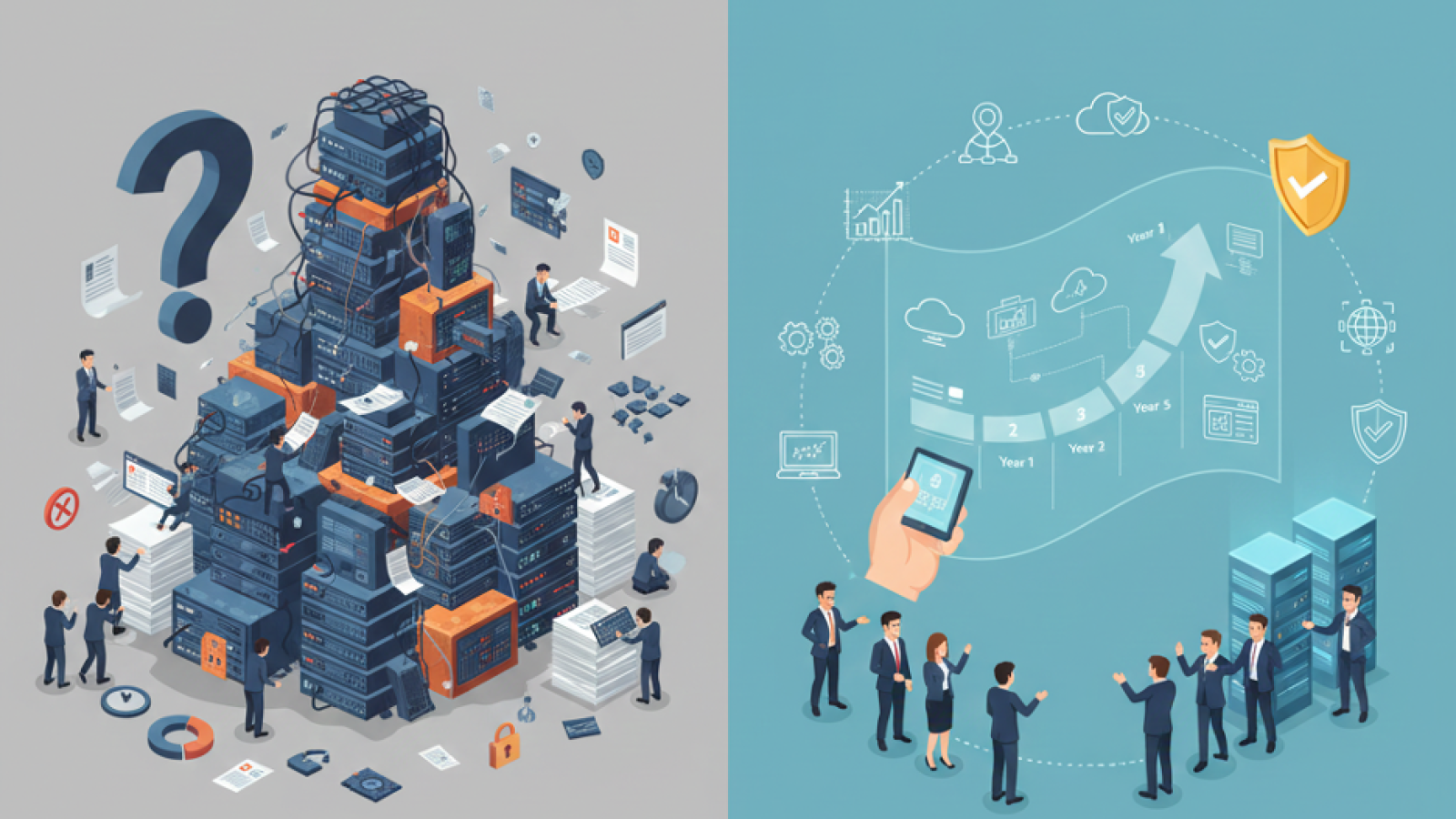
The Five-Year IT Modernization Plan Template- Build Resilience in 60 Seconds

The Five-Year IT Modernization Plan Template: Build Resilience in 60 Seconds

Introduction: Beyond Upgrades, Designing Future-Proof IT

Modernization isn’t just about replacing legacy systems. It’s about aligning IT with business strategy, ensuring scalability, security, and agility for the next five years. A structured, year-by-year roadmap helps organizations move beyond ad-hoc upgrades and implement a predictable modernization lifecycle that balances cost, compliance, and innovation.

The Challenge: Fragmented Modernization Efforts

Organizations often struggle to build a cohesive modernization strategy. Common pitfalls include:

  • Treating modernization as isolated hardware refreshes instead of a long-term restructuring.
  • Underestimating integration challenges that create operational silos and burn budgets.
  • Failing to directly link IT improvements with business outcomes and measurable ROI.
  • Ignoring multi-year scalability needs, resulting in repeat fixes and delayed transformation.

Our Solution: The 60-Second Modernization Template (with Year-by-Year Roadmap)

To create a rapid yet realistic five-year roadmap, focus on three pillars across clearly defined annual milestones:

Pillar 1: Infrastructure & Cloud

YearKey Actions
Year 1Full infrastructure assessment, workload mapping, and cloud readiness audit. Begin migrating low-risk workloads.
Year 2Hybrid cloud deployment, storage modernization, and network optimization.
Year 3Migrate mission-critical workloads, implement automation tools, and decommission legacy systems.
Year 4Performance tuning, cost optimization (FinOps), and backup resilience upgrades.
Year 5Infrastructure refresh cycle, roadmap renewal, and expansion into next-gen capabilities (edge, container orchestration, etc.).

Pillar 2: Security & Compliance

YearKey Actions
Year 1Security gap assessment, MFA rollout, compliance baseline creation.
Year 2Zero-trust framework deployment, SIEM modernization, endpoint hardening.
Year 3Continuous monitoring, annual penetration testing, automated compliance reporting.
Year 4Identity governance modernization, incident response automation.
Year 5Full compliance realignment, emerging threat mitigation planning, and security roadmap refresh.


Pillar 3: Innovation & Productivity

YearKey Actions
Year 1Evaluate automation opportunities, pilot collaboration tools.
Year 2Introduce AI-driven efficiency tools (chatbots, workflow automation).
Year 3Integrate business analytics, optimize digital workspaces.
Year 4Scale automation across departments, upgrade user experience tools.
Year 5Adopt next-gen AI capabilities, workforce productivity modernization plan refresh.

This structured model ensures modernization is predictable, measurable, and aligned with business strategy instead of being a scattershot tech upgrade exercise.

Why Choose Abtech for IT Modernization Planning

Abtech bridges the gap between vision and execution. Our five-year modernization model helps you uncover hidden risks, prioritize investments year by year, and align IT initiatives with business growth. Beyond the template, we offer hands-on support from cloud transformation to cybersecurity resilience ensuring your modernization journey stays measurable, compliant, and future-ready.

How to Evaluate an IT Provider – The 5 Critical Questions to Ask Before You Sign

Introduction

Selecting an IT provider is more than a procurement exercise, it’s a strategic partnership.
Your provider becomes responsible for keeping your operations running, data protected, and users supported.
The right partner can accelerate growth; the wrong one can expose your organization to unnecessary risk.

1. Question 1 – What Is Your Proven Track Record?

Look for real-world experience, not just promises.
Ask for case studies, customer references, and certifications that demonstrate technical depth.
Providers like Abtech Technologies, a Dell Platinum Partner, have a documented history of successful deployments across public and private sectors.

2. Question 2 – How Do You Define and Measure SLAs?

A Service Level Agreement defines success.
Ensure your provider offers measurable metrics:

  • Response time
  • Resolution time
  • Uptime guarantees
  • Reporting frequency
    Transparent SLAs establish accountability and build trust.

Explore Related Post:
How to Decide Between In-House IT and Managed Services in 2025


3. Question 3 – How Do You Handle Security and Compliance?

Your IT provider should integrate security into every service — not treat it as an add-on.
Ask about:

  • 24/7 monitoring
  • Endpoint Detection & Response (EDR)
  • Data encryption standards
  • Compliance experience (HIPAA, CJIS, SOC 2, etc.)

Abtech’s Managed Security Services provide continuous threat detection and compliance support backed by human threat hunters.

4. Question 4 – How Will You Support Our Cloud and On-Prem Environments?

Hybrid environments require consistent management.
Providers should offer expertise across cloud platforms like Azure, AWS, and VMware — as well as on-prem systems.
Ask how they integrate Cloud Disaster Recovery, backup, and virtualization management into one cohesive solution.

5. Question 5 – How Will You Scale with Our Business?

Your IT provider should evolve with your company, not hold it back.
Discuss future-proofing, automation, and strategic planning capabilities.
Ask whether they provide ongoing technology assessments or quarterly business reviews (QBRs) to align IT with growth.

Conclusion

Evaluating an IT provider is about more than price – it’s about partnership, trust, and alignment with your business goals.
Asking the right questions today ensures your IT foundation remains resilient tomorrow.

About Abtech Technologies

Abtech Technologies has over 30 years of experience delivering Managed IT Services, Enterprise Managed Services, and Cloud Disaster Recovery solutions.
We help organizations evaluate, design, and manage IT environments built for performance, security, and long-term growth.

Predictive Monitoring - How AI Identifies System Issues Before They Impact Users

Predictive Monitoring – How AI Identifies System Issues Before They Impact Users

Introduction

In a traditional IT environment, problems are detected only after users report them.
But in 2025, waiting for failures is no longer acceptable.
Predictive monitoring, powered by AI, allows IT teams to identify and resolve issues before performance degrades transforming how organizations maintain uptime and service quality.

1. How Predictive Monitoring Works

AI algorithms analyze historical and real-time telemetry data from servers, endpoints, and network devices.
By spotting patterns and anomalies, these systems detect warning signs of:

  • Failing hardware components
  • Network congestion or latency
  • Software memory leaks
  • Storage capacity thresholds
  • Security anomalies (unexpected access or file changes)

When potential failures are identified, automated alerts or scripts trigger immediate corrective action.

2. Why It Matters

Downtime costs mid-market companies thousands per hour. Predictive monitoring minimizes these losses by:

  • Reducing Mean Time to Detect (MTTD)
  • Automating root cause analysis
  • Prioritizing alerts by business impact

It shifts IT operations from reactive firefighting to continuous optimization.

3. The Role of AI in AIOps

AIOps (Artificial Intelligence for IT Operations) platforms combine telemetry from all IT layers — infrastructure, network, application, and user endpoints.
Machine learning models correlate thousands of data points to:

  • Eliminate false alarms
  • Detect slow performance trends
  • Recommend preventative actions

Explore Related Post: What “Proactive IT Management” Really Means and Why it Reduces Downtime

4. Automation and Self-Healing

When predictive monitoring identifies a problem, automation handles remediation.
For example:

  • Restarting a stalled service
  • Clearing log caches before they overflow
  • Re-routing network traffic
  • Scheduling patch deployment before vulnerabilities are exploited

These automated responses ensure near-zero downtime for critical systems.

5. Integration with Managed Services

Abtech integrates predictive analytics into its Enterprise Managed Services platform.
By combining AI monitoring with 24/7 human oversight, our clients benefit from early warning systems and proactive support that reduce downtime by up to 70%.

6. Future of Predictive IT

Next-generation AIOps will merge operational data with business analytics, predicting not only failures but also workload trends, licensing needs, and capacity requirements, optimizing both IT and budget planning.

Conclusion

Predictive monitoring turns IT from reactive to resilient.
By identifying issues before they affect users, AI delivers smoother operations, higher uptime, and measurable ROI, the future of intelligent IT management.

About Abtech Technologies

Abtech Technologies combines AI-driven monitoring with human-led expertise in its Enterprise Managed Services offering.
Our platform predicts and prevents problems before they impact business performance, while ensuring full visibility, security, and compliance.

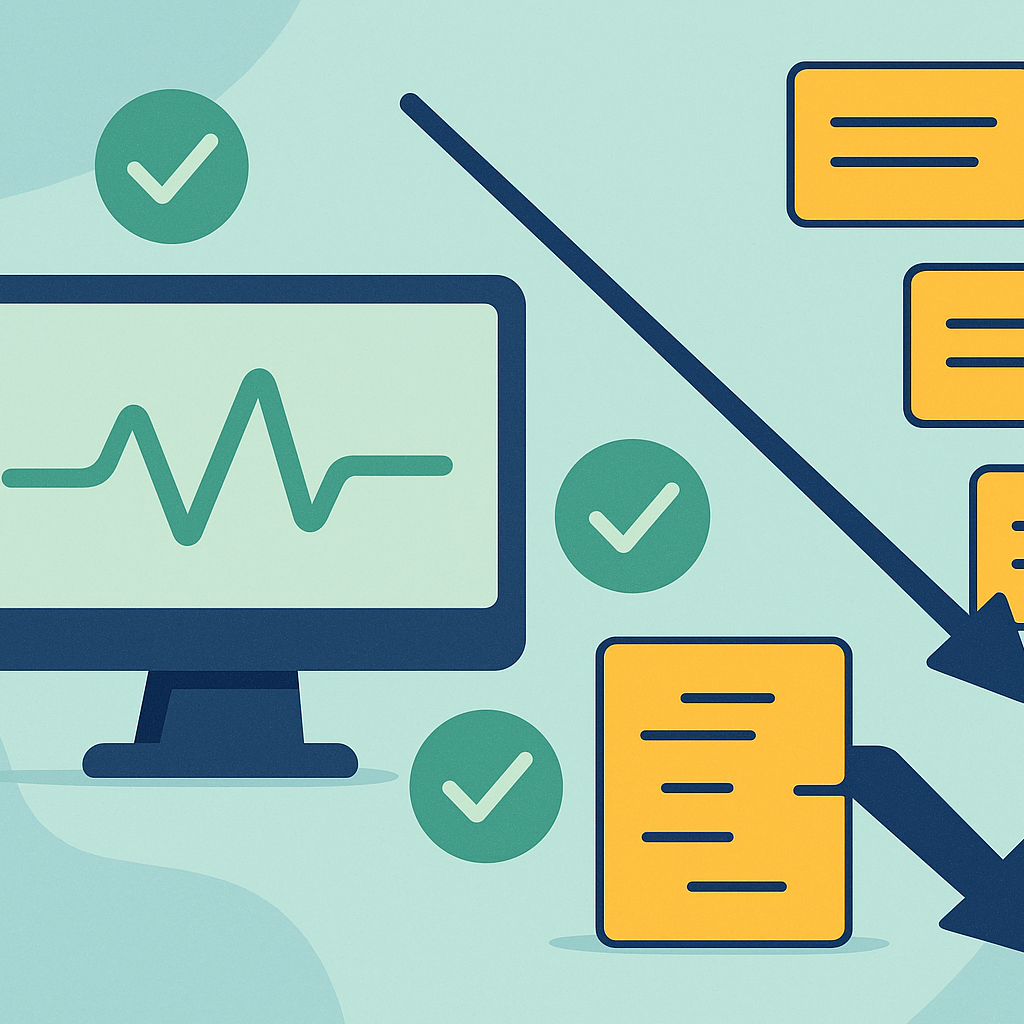
How Infrastructure Monitoring Reduces Support Tickets by 50%

Support tickets overwhelm IT teams when issues are discovered too late.

Introduction

Infrastructure monitoring reverses this — identifying and resolving problems before users notice them.

Modern monitoring can reduce support ticket volume by half, improving productivity and performance.


1. Visibility Eliminates Guesswork

Real-time monitoring reveals:

  • CPU and memory stress
  • Storage anomalies
  • Network latency
  • Endpoint health
  • Configuration drift
  • Failed backups

Early detection stops small issues from becoming incidents.


2. Automated Alerts and Self-Healing

AI-driven monitoring systems can:

  • Restart failing services
  • Clear blocked processes
  • Automatically rebalance workloads
  • Patch vulnerabilities
  • Remediate repeated issues

This reduces recurring tickets dramatically.


3. Predictive Analysis Reduces Outages

Predictive analytics identify failure patterns, enabling IT teams to replace or remediate components before they break.

Explore Related Post:

? How Predictive Analytics Is Changing IT Decision-Making


4. User Experience Improves When Issues Vanish

Fewer tickets mean:

  • Less downtime
  • Faster response times
  • Happier users
  • Fewer business disruptions

Monitoring turns IT from reactive to proactive.


5. Managed Services Enhance Results

Managed monitoring provides:

  • 24/7 oversight
  • Automated patching
  • Capacity planning
  • Security detection
  • SLA-driven response

Organizations gain continuous reliability without increasing internal workload.


Conclusion

Infrastructure monitoring is one of the most effective ways to reduce support tickets and eliminate preventable downtime.

With automated insights and proactive remediation, IT teams can focus on strategy instead of troubleshooting.


About Abtech Technologies

Abtech Technologies delivers monitoring through AI-powered Enterprise Managed Services, endpoint health automation, and 24/7 oversight to reduce tickets and improve system reliability.

How Predictive Analytics Is Changing IT Decision-Making

IT decision-making has traditionally been reactive — based on past incidents, manual reports, or gut instinct.

Introduction

Today, predictive analytics has changed the equation.

By analyzing patterns across infrastructure, endpoints, networks, and applications, predictive systems can forecast issues before they occur and guide smarter, faster decisions.


1. What Is Predictive Analytics in IT?

Predictive analytics uses machine learning and historical data to anticipate:

  • Hardware failures
  • Capacity shortages
  • Network bottlenecks
  • Security anomalies
  • Cost overruns
  • User behavior trends

These insights empower IT leaders to make proactive, evidence-based decisions.


2. Why Predictive Data Matters

Predictive analytics:

  • Reduces downtime
  • Speeds up root-cause diagnosis
  • Lowers operational cost
  • Improves resource allocation
  • Supports long-term planning
  • Strengthens cybersecurity

Explore Related Post:

? From Reactive to Predictive — The New Era of Enterprise Managed Services


3. Real-World Examples

  • Storage arrays predict drive failure weeks in advance.
  • Endpoints flag unusual process behavior before malware activates.
  • Cloud workloads auto-scale based on predicted user volume.
  • Backup systems warn of declining data integrity before corruption spreads.

4. Predictive Analytics + AIOps

Artificial Intelligence for IT Operations (AIOps) combines:

  • Predictive modeling
  • Anomaly detection
  • Automated remediation
  • Correlated alerts

This creates self-optimizing IT systems that improve reliability continuously.


5. The Business Impact

Organizations using predictive analytics experience:

  • 40–60% fewer outages
  • 30% faster remediation
  • Stronger alignment between IT investment and business goals

Predictive insights empower IT teams to work strategically, not reactively.


Conclusion

Predictive analytics is redefining IT leadership.

Organizations that adopt it will make better decisions, reduce risk, and create resilient, future-ready systems.


About Abtech Technologies

Abtech Technologies integrates predictive analytics into Enterprise Managed Services to proactively monitor, analyze, and optimize your entire environment.

We help IT leaders turn data into action — and action into resilience.

What “Proactive IT Management” Really Means — and Why It Reduces Downtime

What “Proactive IT Management” Really Means and Why It Reduces Downtime

Introduction

Reactive IT support waiting for something to break before fixing it is a relic of the past.
Today’s organizations depend on systems that are always on, always secure, and always available.
That’s where proactive IT management comes in an approach that anticipates problems before they disrupt users, using automation, analytics, and continuous visibility.

These insights allow IT teams or Managed Service Providers like Abtech to detect anomalies before they escalate into outages.

Common proactive measures include:

  • Patch automation and vulnerability management
  • Predictive hardware health checks
  • Automated alerting for network or storage bottlenecks
  • Scheduled maintenance during low-impact windows

2. Why It Matters for Business Continuity

Downtime costs go far beyond lost productivity. They damage reputation, delay customer transactions, and sometimes lead to compliance penalties.
Proactive management keeps systems stable through early intervention, drastically reducing unplanned interruptions.

A Gartner study found that proactive monitoring can cut downtime by up to 60%, especially when paired with automation and 24/7 support.

3. Tools and Technologies That Make It Possible

Modern IT environments rely on advanced tools:

  • AI-driven monitoring platforms that identify anomalies
  • Centralized dashboards for infrastructure visibility
  • Self-healing scripts that automatically resolve routine issues
  • Managed patch deployment to eliminate vulnerabilities quickly

Together, these tools enable predictive support, keeping users productive and systems compliant.

4. From Data to Action

Proactive IT is only effective when data turns into action.
An MSP like Abtech Technologies uses AI algorithms and real-time analytics to identify risks, open automated tickets, and dispatch engineers before incidents cause downtime.

This closed-loop response model transforms IT from reactive firefighting into measurable, proactive performance.

5. Security Benefits

Proactive IT management is also a critical security layer.
By tracking patch compliance, unusual login attempts, and configuration drift, organizations prevent the majority of attacks before they reach endpoints.

Conclusion

Proactive IT management isn’t just a service, it’s a philosophy.
It enables businesses to maintain uptime, strengthen cybersecurity, and reallocate internal resources to innovation rather than incident recovery.

How AI Is Changing the Way IT Support Teams Operate (1)

How AI Is Changing the Way IT Support Teams Operate

Introduction

The modern IT environment is too complex for reactive support alone. Servers, endpoints, SaaS tools, and users generate terabytes of telemetry daily. Manual monitoring can’t keep up. That’s why AI is now embedded in every layer of IT support, not as a replacement for humans, but as an amplifier.

1. Predictive Monitoring: From Reactive to Preventive

AI algorithms analyze system logs, performance metrics, and network traffic to detect anomalies before they cause downtime.
For example:

  • Predicting disk failures based on I/O behavior
  • Flagging unusual login attempts that indicate credential compromise
  • Recognizing software conflicts after patch cycles

These early alerts let IT teams fix issues proactively, avoiding costly outages.

2. Intelligent Ticketing and Triage

AI-driven ITSM systems automatically categorize and prioritize incidents by severity, user impact, and device type. This ensures that critical issues surface first, improving SLA compliance and reducing Mean Time to Resolution (MTTR). Some solutions even summarize complex tickets for engineers using natural language models similar to ChatGPT to accelerate understanding and response.

3. Automation and Self-Healing

Routine support tasks (password resets, printer queues, disk cleanup) are now fully automated through self-healing scripts. AI identifies known error patterns and applies the correct fix instantly, no human ticket required. The result: 20–40% reduction in help desk workload and faster user satisfaction scores.

4. Knowledge Consolidation

AI crawls through years of documentation, logs, and previous tickets to build dynamic knowledge bases.
When a similar issue appears, the system provides the best-known fix instantly.
This converts tribal knowledge into reusable institutional knowledge — a major advantage for growing organizations.

5. AI and Cybersecurity Collaboration

AI-based IT support overlaps with cybersecurity operations. Predictive monitoring can identify behaviors consistent with malware or insider threats, and automatically escalate them to SOC systems. Integration between AIOps and SecOps ensures continuous protection without manual correlation.

6. The Human Role in an AI-Driven IT Department

While AI automates the repetitive, humans focus on strategy, architecture, and innovation. The best IT organizations use AI to enhance, not replace, technical talent. Empathy, decision-making, and system design remain distinctly human strengths.

7. Looking Ahead: Autonomous IT Operations

The next phase, often called AIOps (Artificial Intelligence for IT Operations), will combine telemetry from networks, applications, and users into unified, self-adjusting systems. These environments can automatically optimize performance, balance workloads, and suggest upgrades based on usage patterns.

Conclusion

AI is transforming IT support from a reactive cost center into a predictive, value-generating service.
By adopting AI-based tools for monitoring, triage, and automation, businesses can achieve faster resolution, reduced downtime, and stronger security posture, the hallmarks of modern IT excellence.

The Future of Hybrid IT — What Mid-Market Leaders Need to Know

As cloud adoption accelerates, many organizations realize that not all workloads belong in the cloud — and not all should stay on-prem.

This has made hybrid IT the dominant model for mid-market businesses.

Hybrid IT blends cloud flexibility with on-prem performance, offering resilience, cost control, and scalability.


1. Why Hybrid IT Is Now the Default

Drivers include:

  • Application dependencies
  • Data residency and compliance requirements
  • Performance needs
  • Cost optimization
  • Existing infrastructure investments

Hybrid IT allows CIOs to modernize without full migration risk.


2. The Role of Azure Stack HCI

Microsoft’s Azure Stack HCI enables on-prem compute with native cloud integration, allowing organizations to:

  • Run virtualized workloads locally
  • Sync with Azure for backup and DR
  • Simplify management via a single pane of glass

It’s the backbone of modern hybrid strategies.


3. Dell Technologies and Hybrid Infrastructure

Dell’s PowerStore, PowerEdge, and Data Domain platforms integrate seamlessly with cloud environments, delivering:

  • NVMe performance
  • Automated tiering
  • Secure replication
  • Predictive analytics

4. Hybrid IT Security Considerations

Hybrid environments introduce new risks, including:

  • Multi-cloud identity management
  • Network segmentation needs
  • Cross-platform visibility gaps

Managed Security Services provide unified protection across both on-prem and cloud workloads.


5. The Future: AI-Driven Hybrid Optimization

AI will determine:

  • Where workloads should run
  • How resources scale
  • When to migrate or modernize
  • How to optimize cost and performance

Hybrid IT becomes intelligent, adaptive, and self-optimizing.


Conclusion

The future is hybrid — flexible, scalable, and intelligent.

Mid-market leaders who embrace hybrid architecture today will gain competitive advantage tomorrow.


About Abtech Technologies

Abtech Technologies delivers hybrid IT through Dell-powered infrastructure, Azure Stack HCI, Enterprise Managed Services, and AI-driven monitoring.

We help organizations design and operate hybrid environments that maximize value and minimize risk.