
The Baseline: Hyper-V cluster requirements (what Microsoft expects)
If you’re building a cluster that will host highly available VMs, your servers must meet Failover Clustering requirements and also support the Hyper-V role requirements.
Also: Microsoft recognizes multiple supported storage architecture patterns (SAN/NAS, S2D, hyperconverged, mixed) so you can choose what matches your resiliency and budget goals.
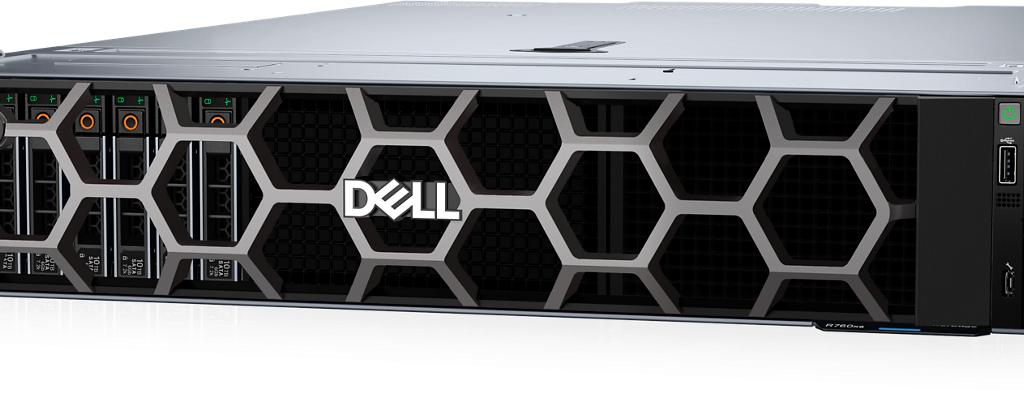
1) Servers (Dell PowerEdge hosts)
Minimum recommendations (real-world)
- 2–6 hosts (3–4 is common for balanced HA + capacity)
- Consistent CPU generation and core counts across nodes
- Plenty of RAM headroom (clustered HA amplifies contention if you run “hot”)
Why “identical nodes” still matters
Dell’s Hyper-V guidance historically recommends identical hardware within a host cluster—even though Windows clustering doesn’t strictly require it. This reduces driver/firmware drift and improves stability.
2) Storage (choose one architecture)
You typically pick one of these:
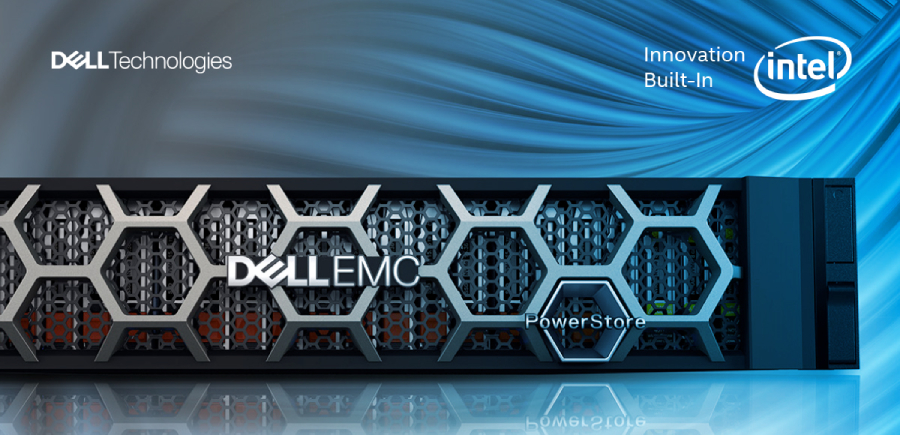
A) SAN/NAS shared storage – Dell PowerStore
- Great for predictable performance and independent scaling
- Often simplest operationally for teams who want compute/storage separation
B) Storage Spaces Direct (S2D)
- Hyperconverged model
- Requires careful hardware alignment and validation
- Great when you want HCI-like scaling and local-disk performance
C) Mixed / specialized
- Useful when combining older investments with new cluster nodes (must be validated carefully)
3) Networking (the #1 design lever for cluster performance)
Microsoft provides best-practice guidance for Hyper-V failover cluster networking—traffic isolation, QoS, and converged networking designs.
Typical “clean” network design includes:
- Management network
- VM network(s)
- Live migration network
- Cluster network/heartbeat
- Storage network (if using SMB/iSCSI/NFS)
Converged networking is valid
Windows supports converged networking where multiple traffic types share NICs using vSwitch + QoS + VLAN isolation.
When RDMA is part of the plan
RDMA can improve SMB storage and live migration performance in the right designs; Dell provides Windows Server guidance for RDMA scenarios.
4) Operating system + management tooling
OS
- Choose a Windows Server version supported for your environment and keep nodes consistent.
Management
Windows Admin Center is commonly recommended for managing Windows Server environments, but you may still rely on Hyper-V Manager, Failover Cluster Manager, SCVMM, and PowerShell for full coverage.
5) Cluster validation and acceptance (don’t skip)
Run Cluster Validation early and again after major changes. It helps detect:
- Storage pathing issues
- Network misconfigurations
- Driver/firmware mismatches
A practical “what to buy/build” checklist (non-vendor-lock)
Compute
- 2–6 Dell PowerEdge nodes
- Consistent CPUs, RAM, NICs
- Redundant PSUs, iDRAC management
Network
- Redundant switches
- Correct uplinks and VLAN design
- NIC features aligned with Microsoft guidance (VMQ/QoS as appropriate)
Storage
- Dell PowerStore SAN or S2D hardware plan per chosen architecture
Software
- Windows Server licensing
- Backup/DR tooling
- Monitoring + patch orchestration
Abtech Services
Want a clean design that won’t require a redesign later? Abtech can deliver:
- A Hyper-V cluster bill of materials
- A validated network + storage architecture
- Implementation + documentation + operational handoff